Hosted Cashier
Payout
Step 1. Initiate a payout session and get a link to the Hosted Cashier
{
  "country": "TR",
  "currency": "TRY",
  "amount": 3555,
  "redirectUrl": "https://merchant1.io/where/to/go",
  "customer": {
    "name": "John Smith",
    "email": "[email protected]",
    "phone": "+25412340000",
    "ip": "84.232.140.77",
    "userAgent": "Mozilla/5.0 (X11; Linux x86_64)",
    "userDevice": "DESKTOP"
  }
}
Response:
{
  "cashierUrl": "https://cashier.test.cyberpay.link/payout/2ee3503e-ee6a-49d9-9a58-8bfe20d19aef",
  "transactionId": "2ee3503e-ee6a-49d9-9a58-8bfe20d19aef"
}
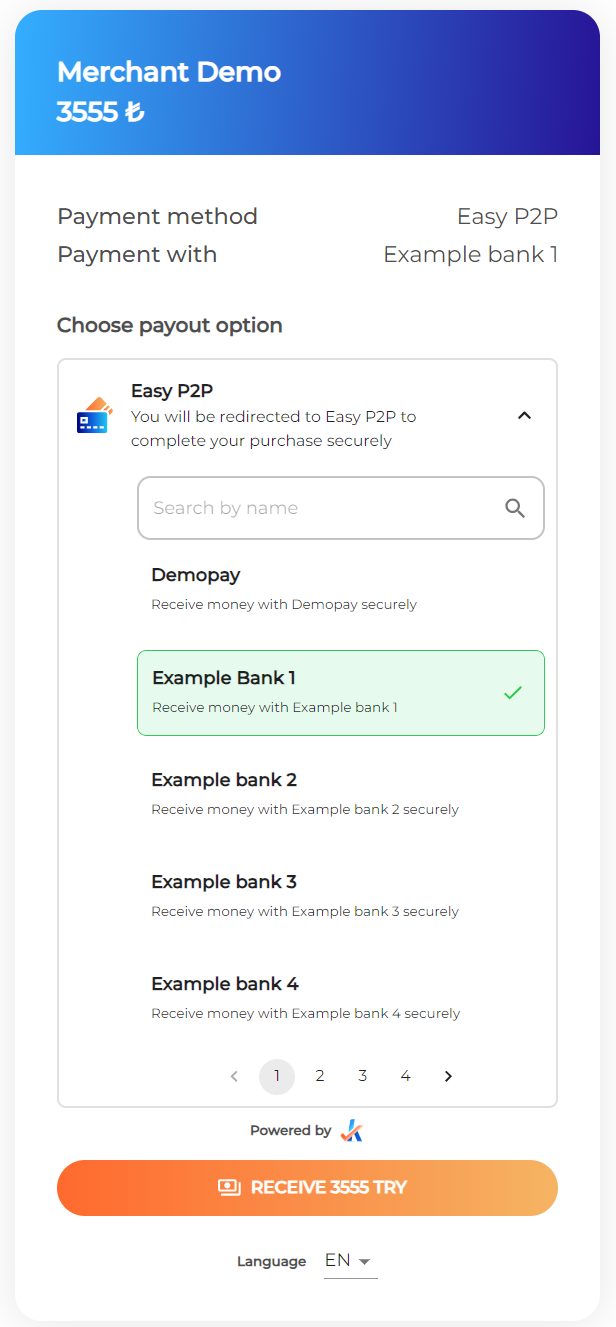
Step 2. Select a payout option
The user expands EasyP2P as a payout option to list all suboptions.
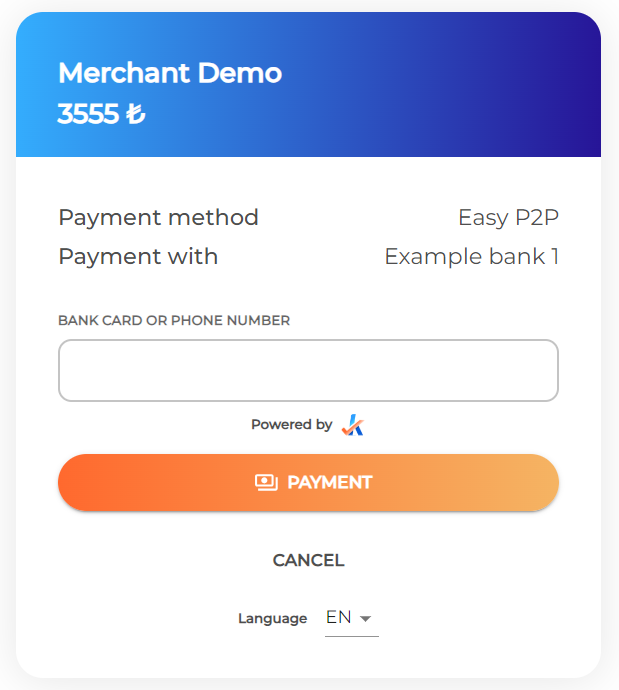
Step 3. Complete the payout
The user selects a suboption and proceeds to the next page for additional instructions. The additional information the user is asked to provide in this step will vary between payout options and countries. Test data for these values can be found here.
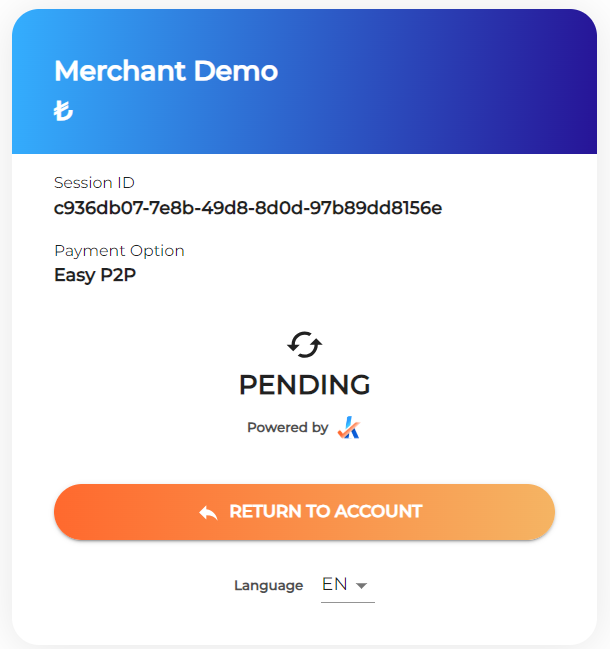
Step 4. Status page
The payout will be in a pending state until the payout is confirmed by the merchant. This can be done using the API /settle-payout or manually in the merchant portal.