Hosted Cashier
Cards
Using the hosted cashier is the easiest way to integrate card payments. First, initiate a payment session by posting a request to the /payment-session endpoint. The response to this request will include a link to the hosted cashier that the user needs to be redirected to in order to complete the payment flow.
1. Initiate the payment session.
Initiate the payment by using /payment-session. It is recommended to add all details shown in the example below to improve approval rates and provide a smoother user flow.
{
    "country": "BR",
    "currency": "USD",
    "amount": 55.30,
    "redirectUrl": "https://merchant.io/where-to-go",
    "language": "EN",
    "customer": {
        "name": "John Smith",
        "email": "[email protected]",
        "phone": "+25412340000",
        "userDevice": "MOBILE",
        "userAgent": "Mozilla/5.0 (X11; Linux x86_64) AppleWebKit/537.36 (KHTML, like Gecko) Chrome/51.0.2704.103 Safari/537.36",
        "ip": "84.232.140.77",
        "address": {
            "street": "32 Windsor Gardens",
            "streetNumber": "24",
            "country": "NG",
            "zipCode": "W9 3RG",
            "city": "London",
            "state": "Great London."
        }
    }
}
2. The user selects Card as a payment option.
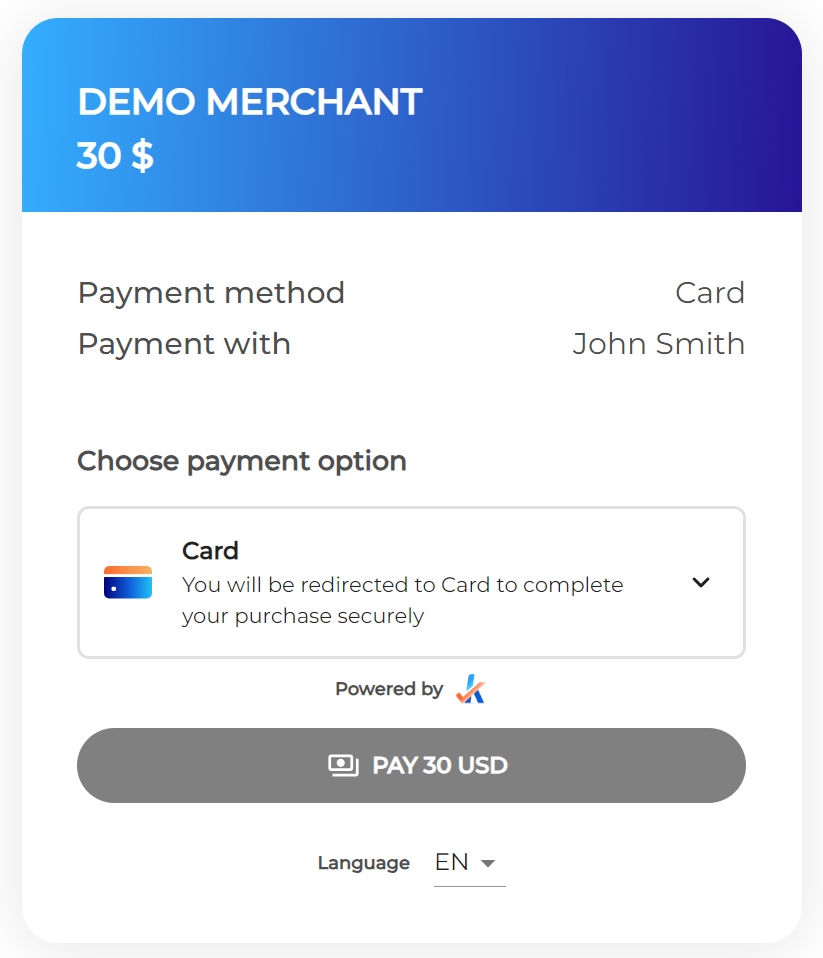
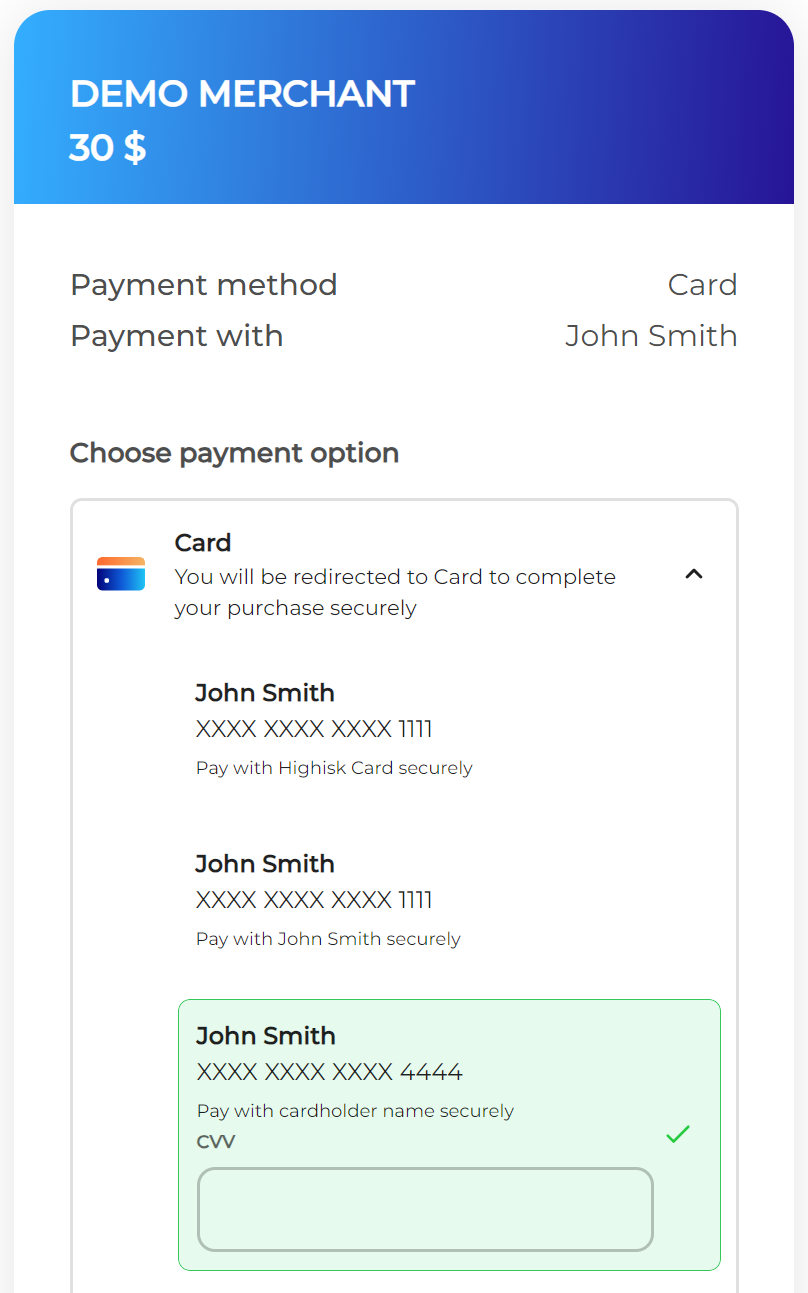
Cards used in previous payments for the same user will be tokenized and stored for use in future payments.
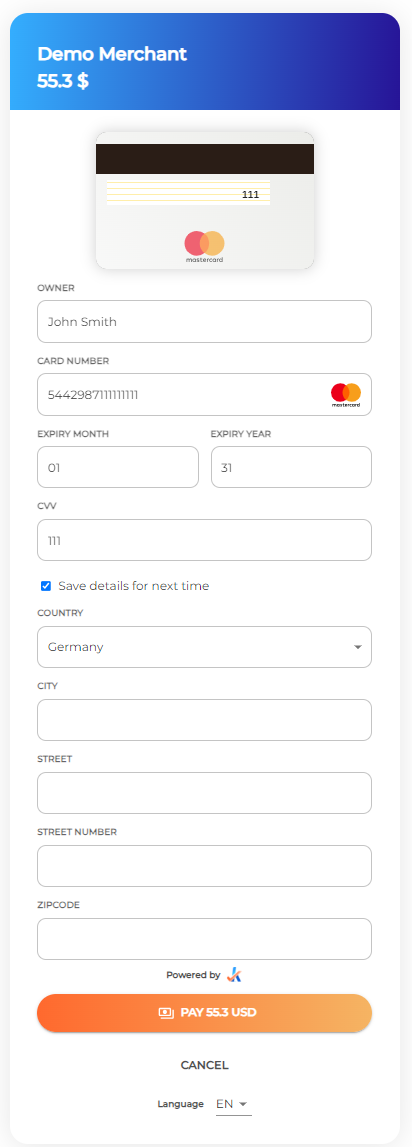
3. User adds a card.
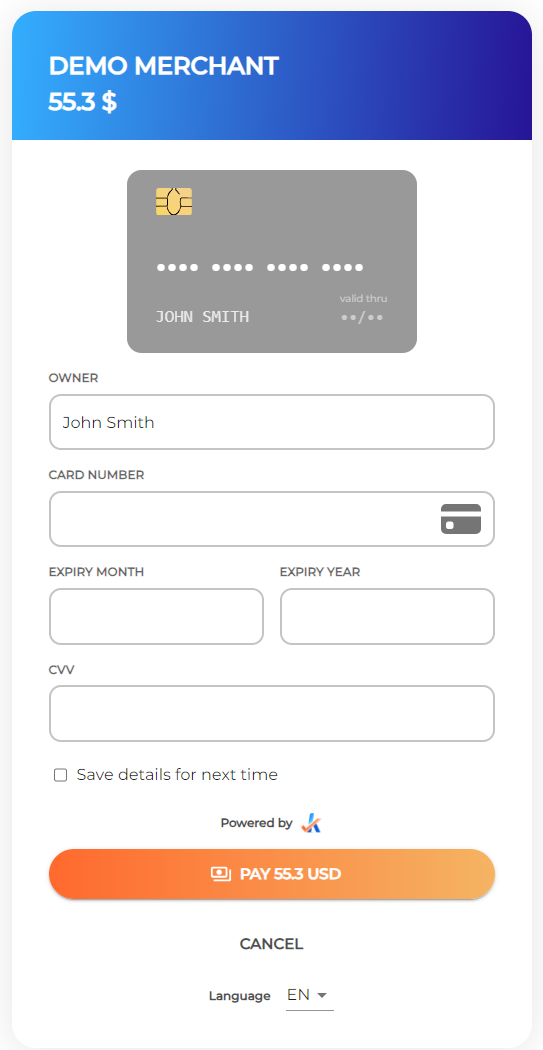
If the address was not provided when initiating the payment session in the first step, the user will need to provide it in the hosted cashier when adding a new card. See the example below.
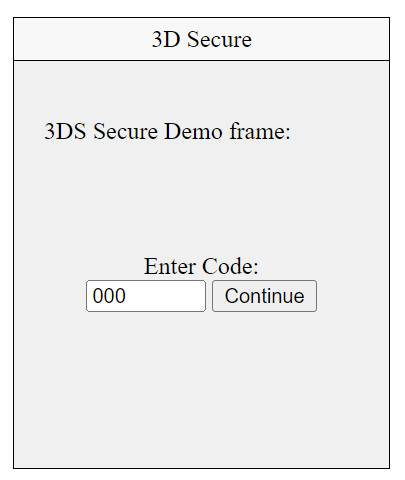
4. 3D Secure redirect
When 3D Secure authentication is required, the user will be redirected to the challenge within the hosted cashier. The challenge requires the user to complete two-factor authentication to finish the payment.
The challenge will be displayed in an iframe within the hosted cashier. Ensure that iframes are permitted when embedding the hosted cashier within your application.
5. Status notification
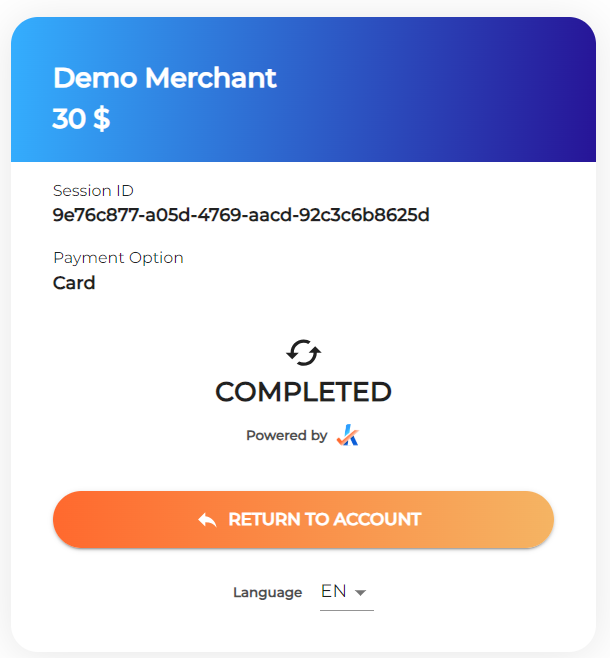
When the payment is complete, the user will see a status notification. Clicking “Return to the account” redirects the user to the URL set when the payment session was created.
The status of the transaction will be sent to the configured webhook.